Build Tool For
AI-Generated Videos
Go beyond the 10 seconds. Create videos using AI generative models, with automatic prompt generation, and cost effective incremental builds.
Run renku launch after install to open onboarding and the local viewer experience.
Renku runs on desktop. Use install instructions for macOS, Linux, and Windows with WSL.
Everything you need to create AI videos
A complete toolkit for AI-powered video generation, from blueprint to final render.
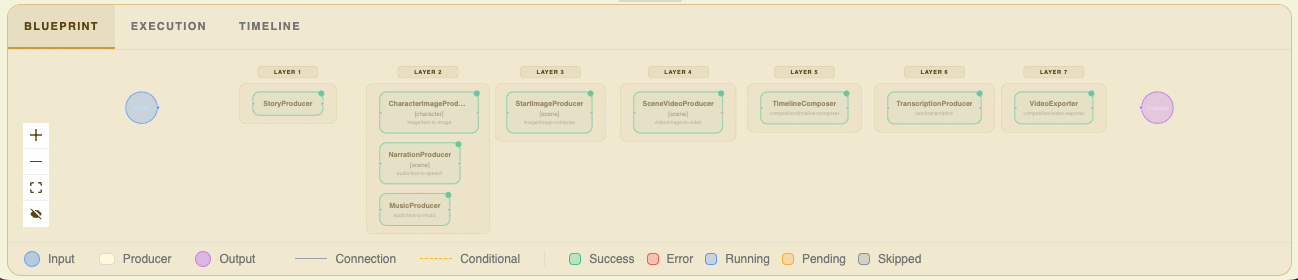
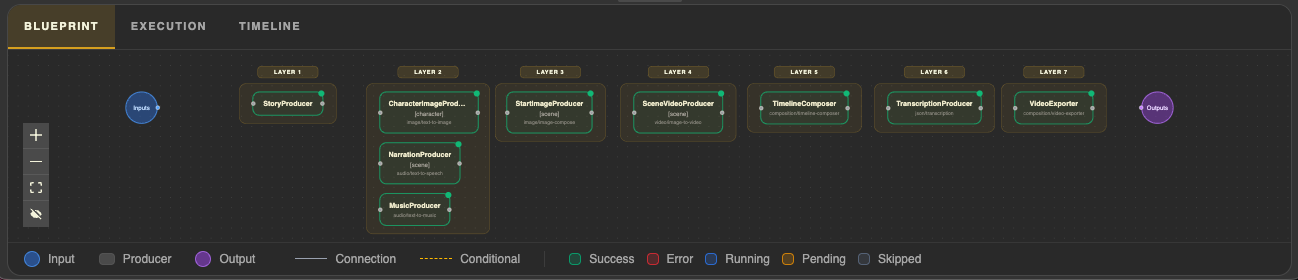
Blueprints
Define how every stage of production connects through declarations and dependencies.
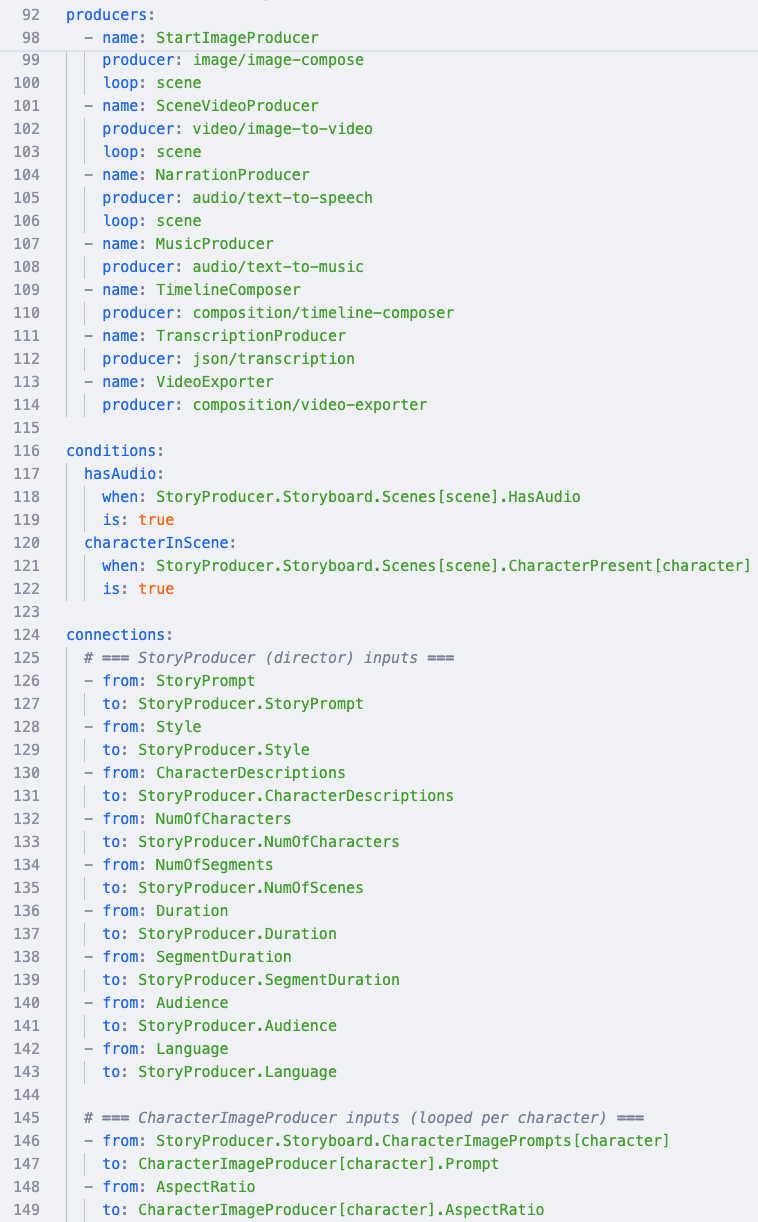
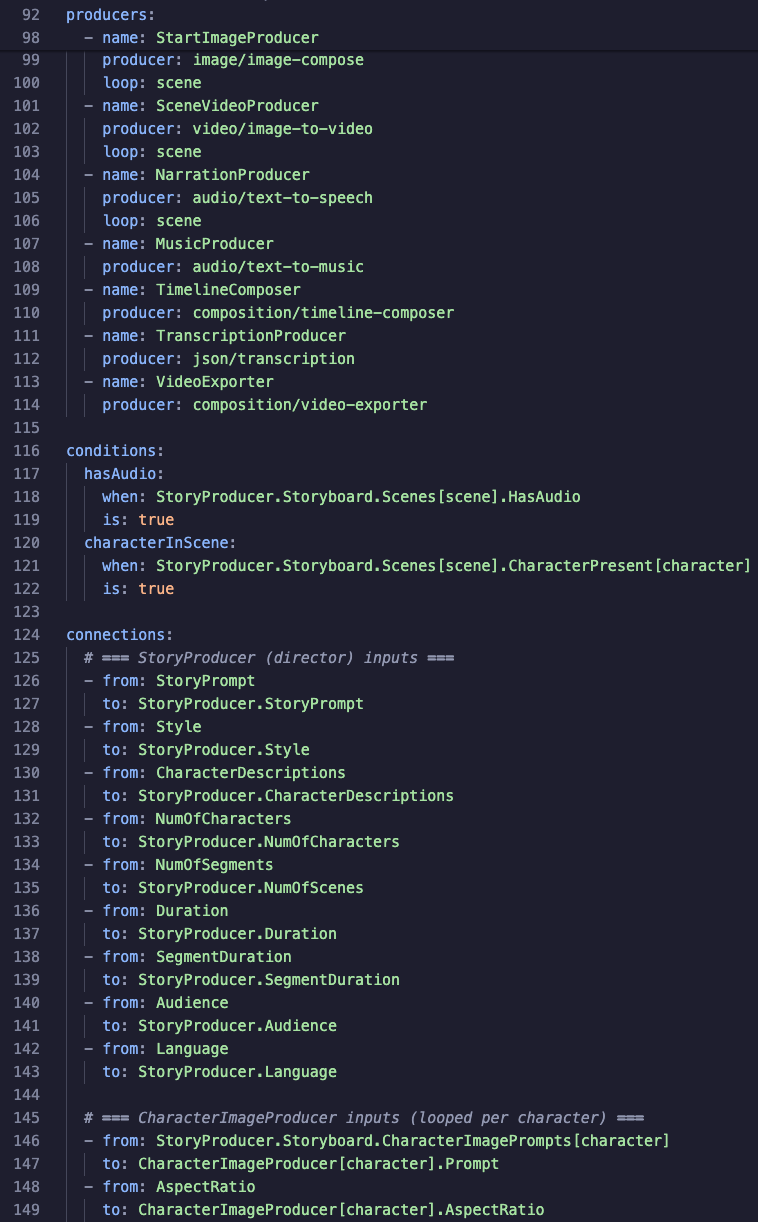
YAML-Based
Human-readable definitions you can author by hand or generate with AI tools like Codex and Claude.
Tweak
Refine any asset with hand-crafted prompts, direct edits, or upload your own images.
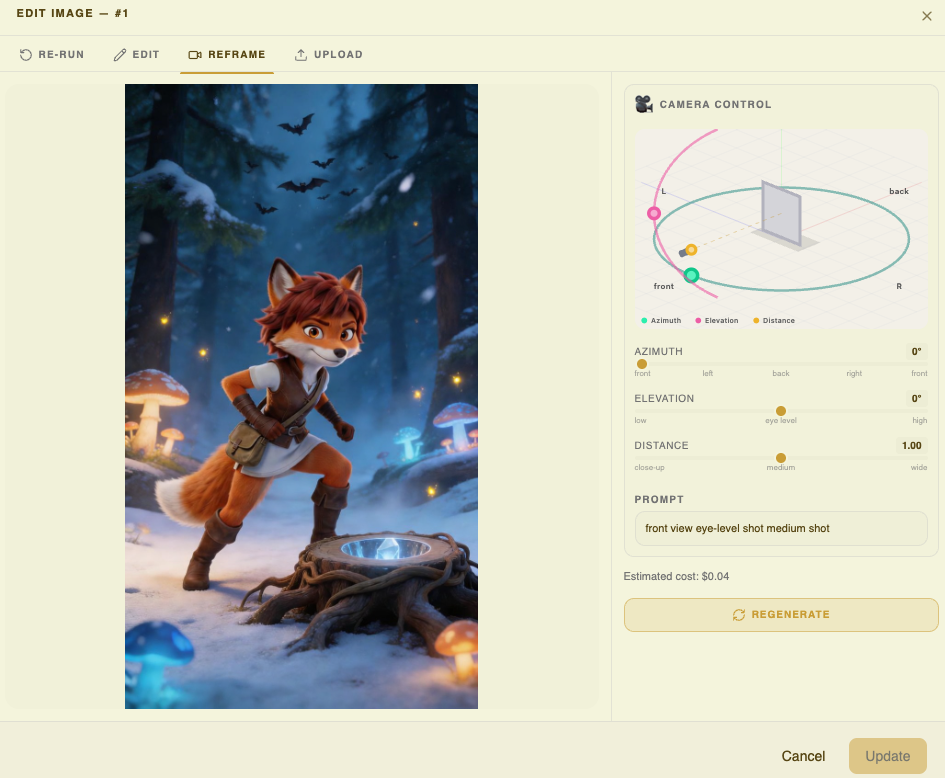
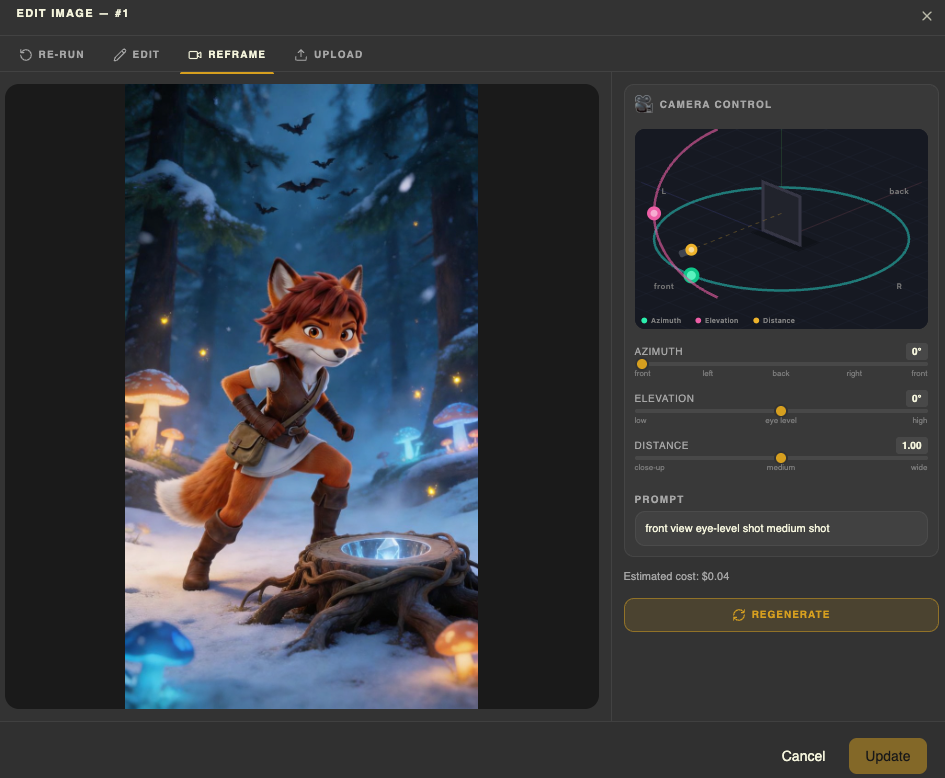
Full Control
Pin assets you love, selectively regenerate the rest. Nothing changes unless you say so.
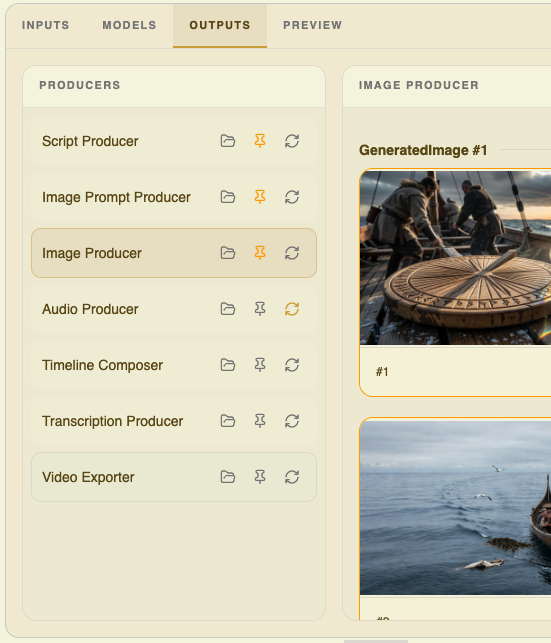
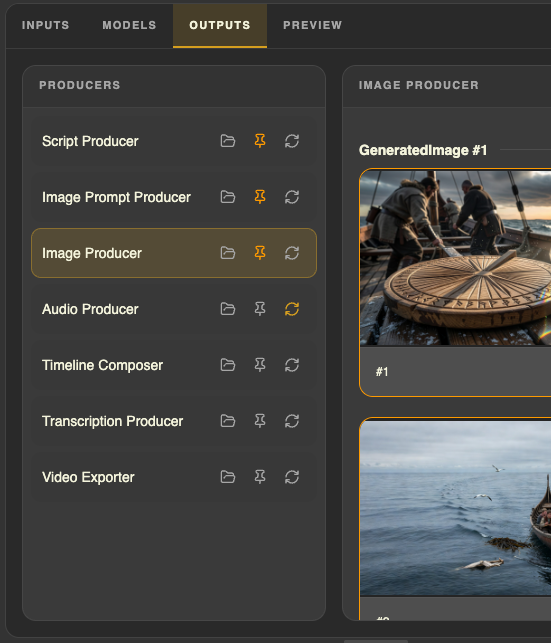
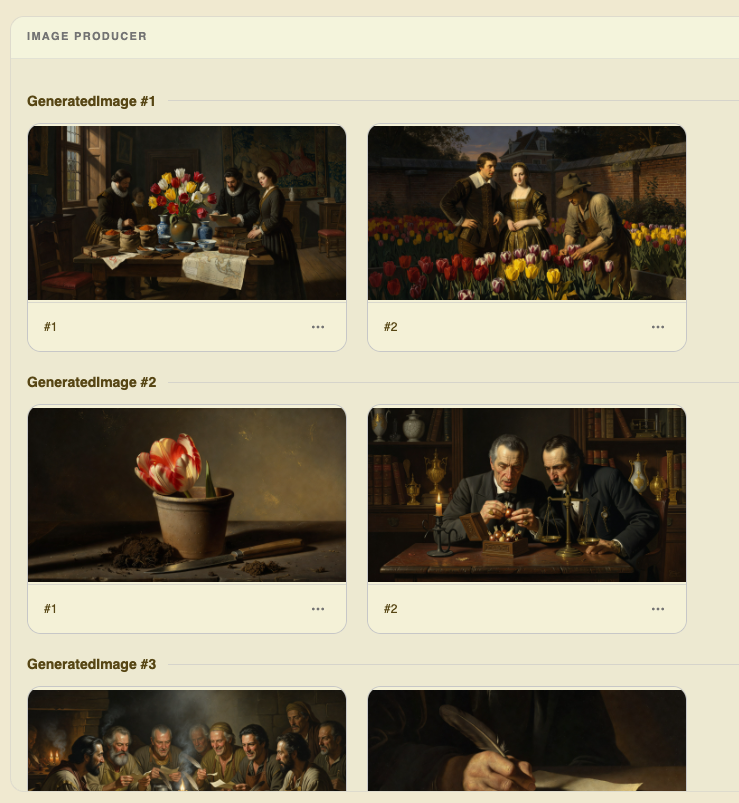
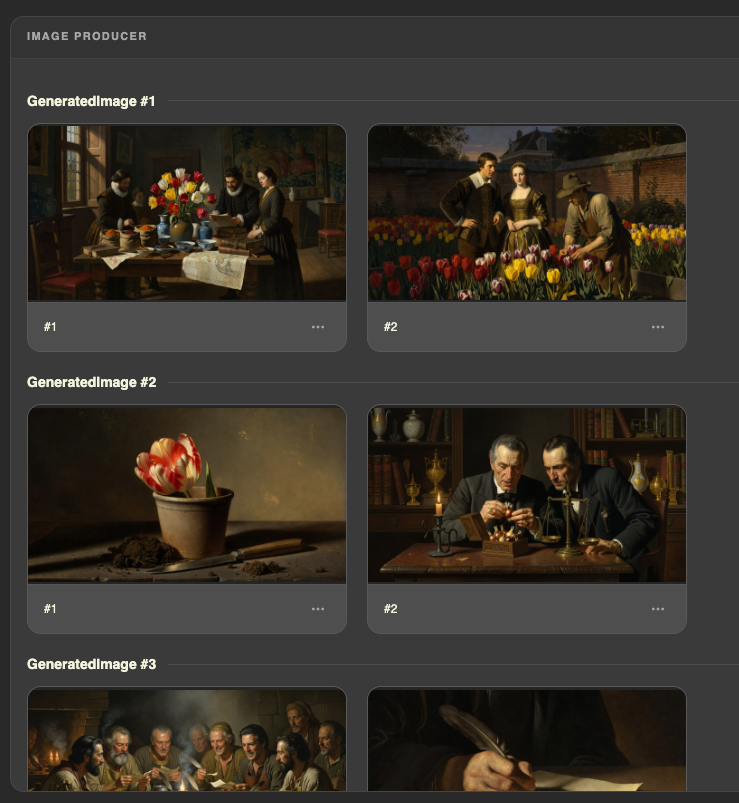
Rich Previews
Browse every generated asset at a glance — play back audio, video, and inspect images.
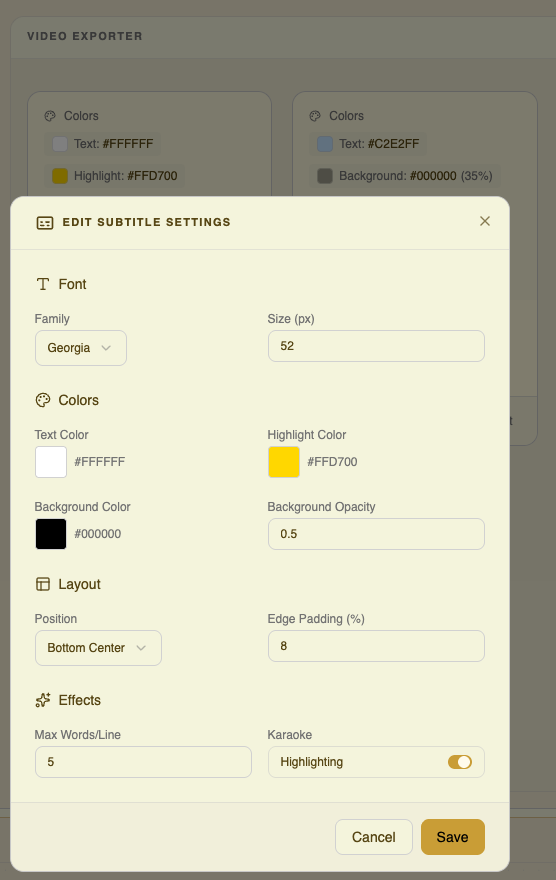
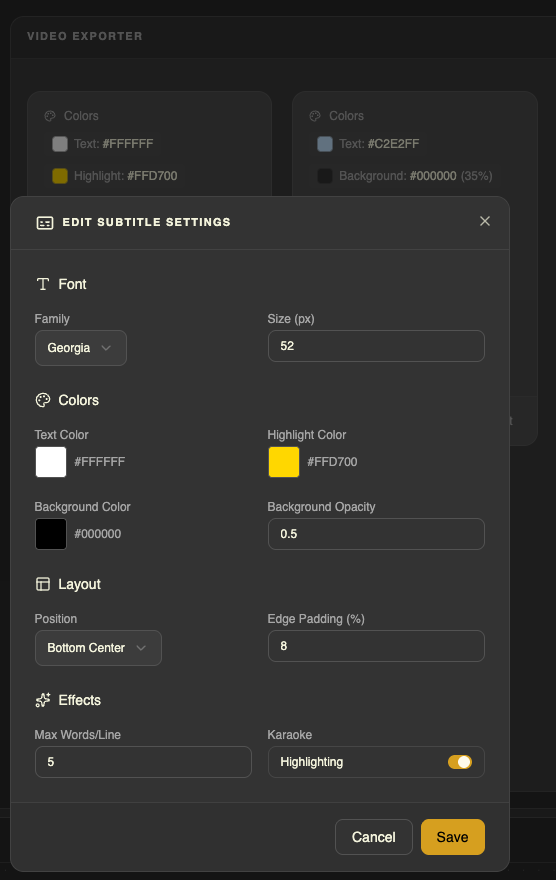
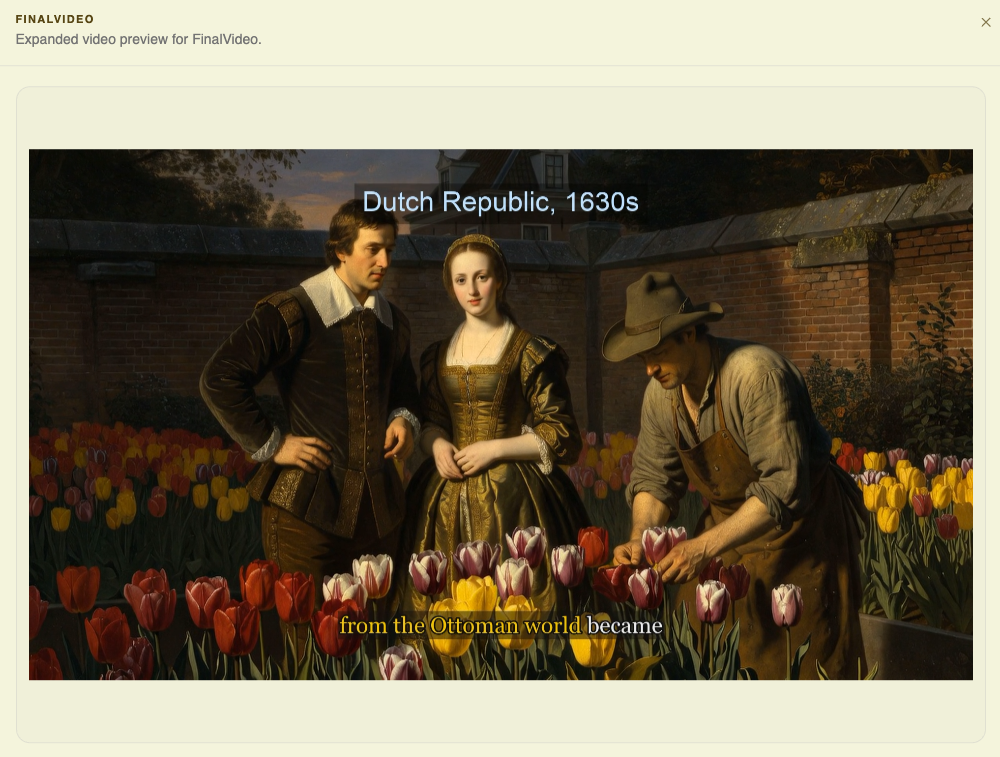
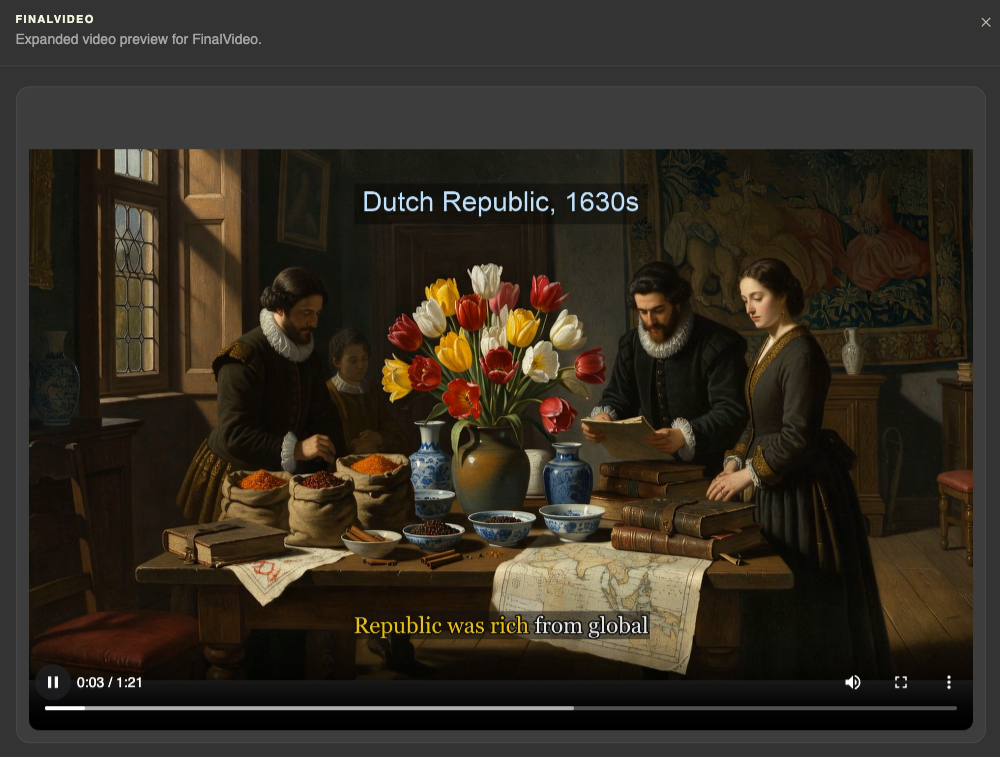
Karaoke Subtitles
Configure rich karaoke-style subtitles that highlight word by word as narration plays.
Preview Movies
Watch your movie come together with full playback and live subtitle rendering.
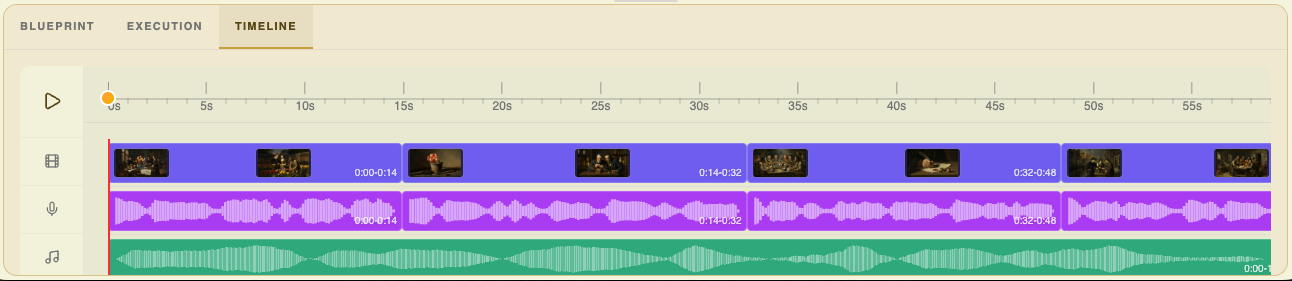
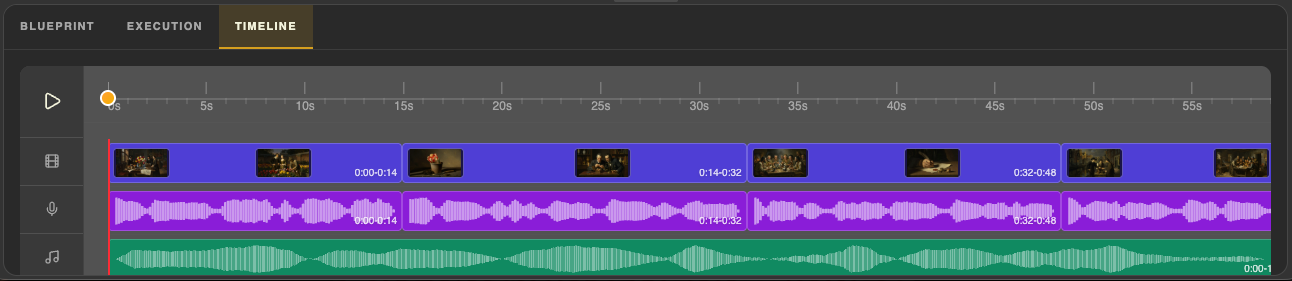
Multi-Track Timeline
Inspect video, narration, and music tracks on a multi-track timeline you can scrub and interact with.
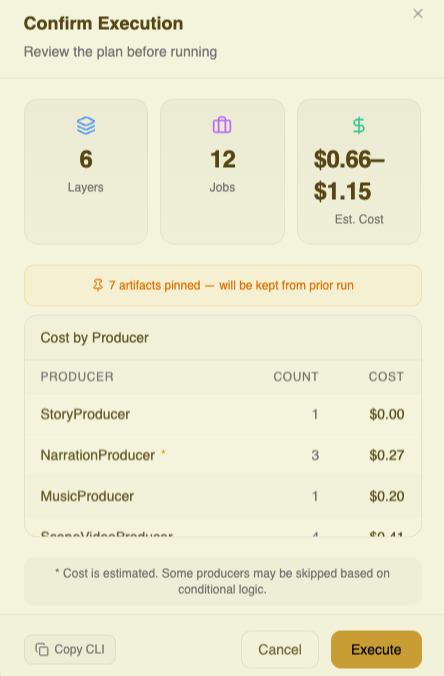
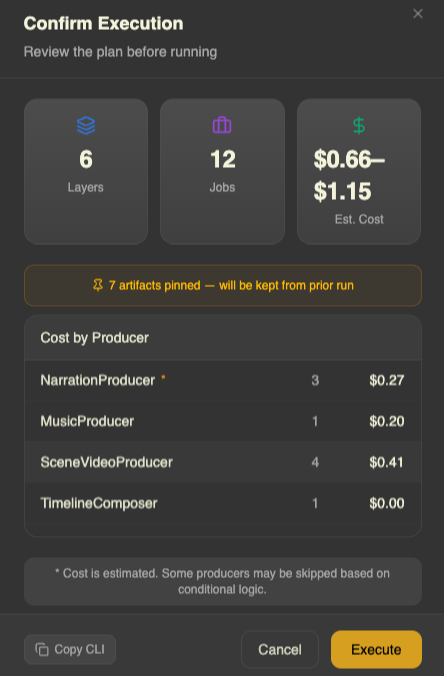
View Build Plan
Review the execution plan, choose how far to generate, and see estimated costs per stage before you run.
CLI
Every feature is accessible through the CLI. Plug it into your favorite AI coding tool.


From prompt to movie, automatically




Ready to create amazing videos?
Get started on your platform with the install flow for macOS, Linux, and Windows (WSL).
Run renku launch after install to open onboarding and the viewer experience.
Renku runs on desktop platforms. Use the install guide for macOS, Linux, and Windows with WSL.