

Before you begin
A selected scene, visual direction, and the relevant Cast, Location, and Prop context.
What you’ll do
A reviewed, saved Scene Beats revision that will guide your storyboards.
Create the scene’s Beats
The Scene Beat Designer skill reads the selected scene, its relevant Cast, Locations, Props, visual context, and existing Beat history. It identifies the narrative developments and saves a Scene Beats revision. Beats describe story changes; production camera coverage belongs to Shot Planner.
- Open a scene and ask Codex to create its Beats. You can add a dramatic emphasis, but you do not need to specify the number of Beats or repeat the scene’s context.
- For this tutorial, request text-only work so you can review the narrative breakdown before making images. Without that instruction, Scene Beat Designer normally hands off missing storyboard images to Media Producer.
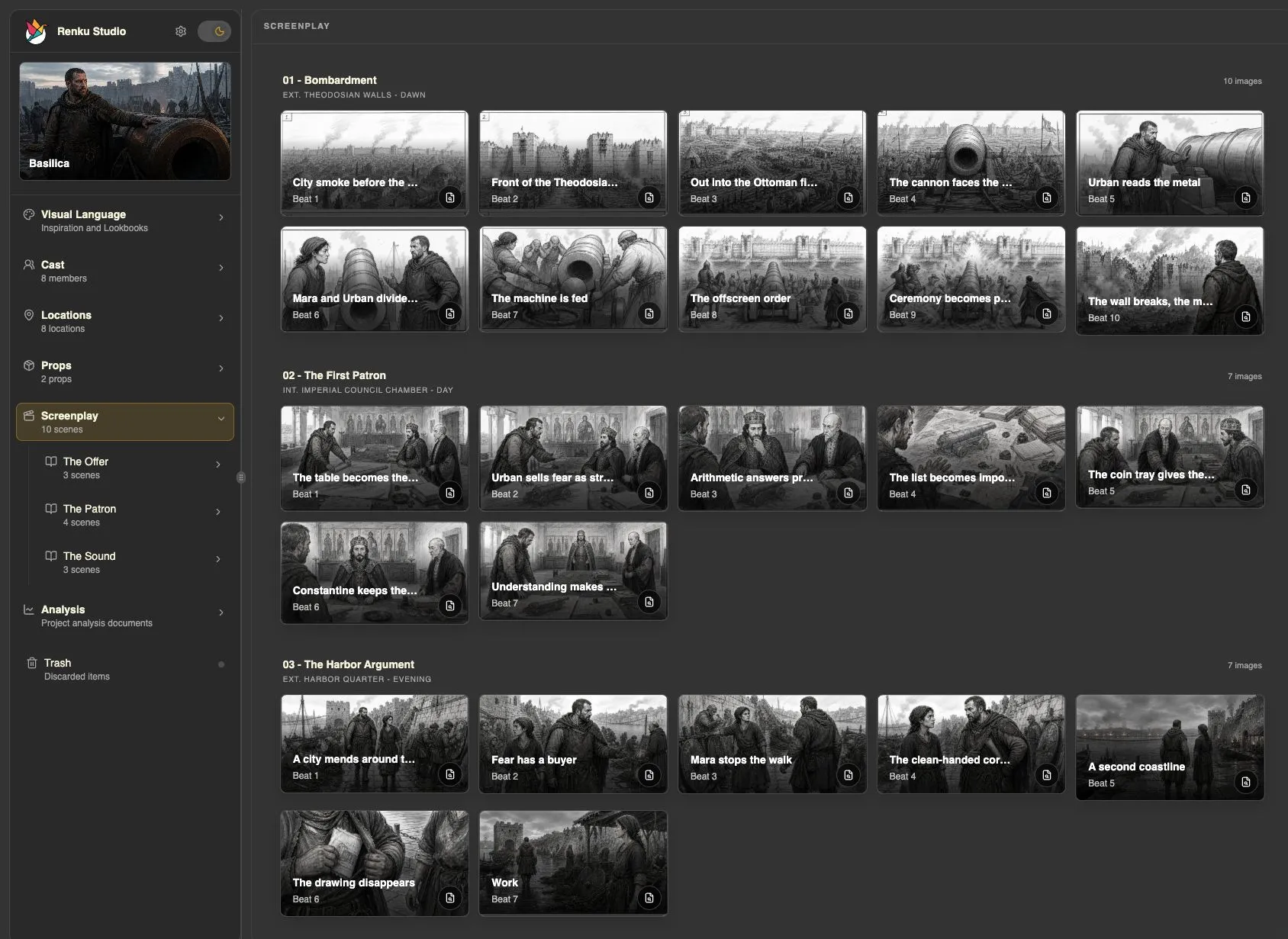
- Read the saved Beats in Studio. Check whether they express the changes in action, intention, and emotion that matter to you.
Create Beats for the current scene. Keep this pass text-only so I can review them first.
Refine the dramatic progression
Scene Beat Designer supports focused revisions, a new version of the full Beat set, and restoring retained revisions. It handles revision references and saving the result; you supply the dramatic change you want.
- Point to the Beat or passage you want to revise. Explain whether a moment feels repetitive, rushed, or unclear.
- Ask for a focused change, or explicitly request a fresh version of the full breakdown if that is your intent. Add “text-only” if you want to continue reviewing without image generation.
- Review the updated progression in Studio. You can also ask to inspect the history or return to an earlier retained revision.
Give the character’s decision more space in these Beats. Keep the ending unchanged and keep this revision text-only.
Before moving on
The Beat sequence reads as the same scene as your script, with a clear progression and no unexplained story additions. The revision you intend to storyboard is saved.