

The first-scene guide
From a spark
to the screen.
Make one scene, all the way through. Find its visual language, build its world, and direct a take worth keeping.
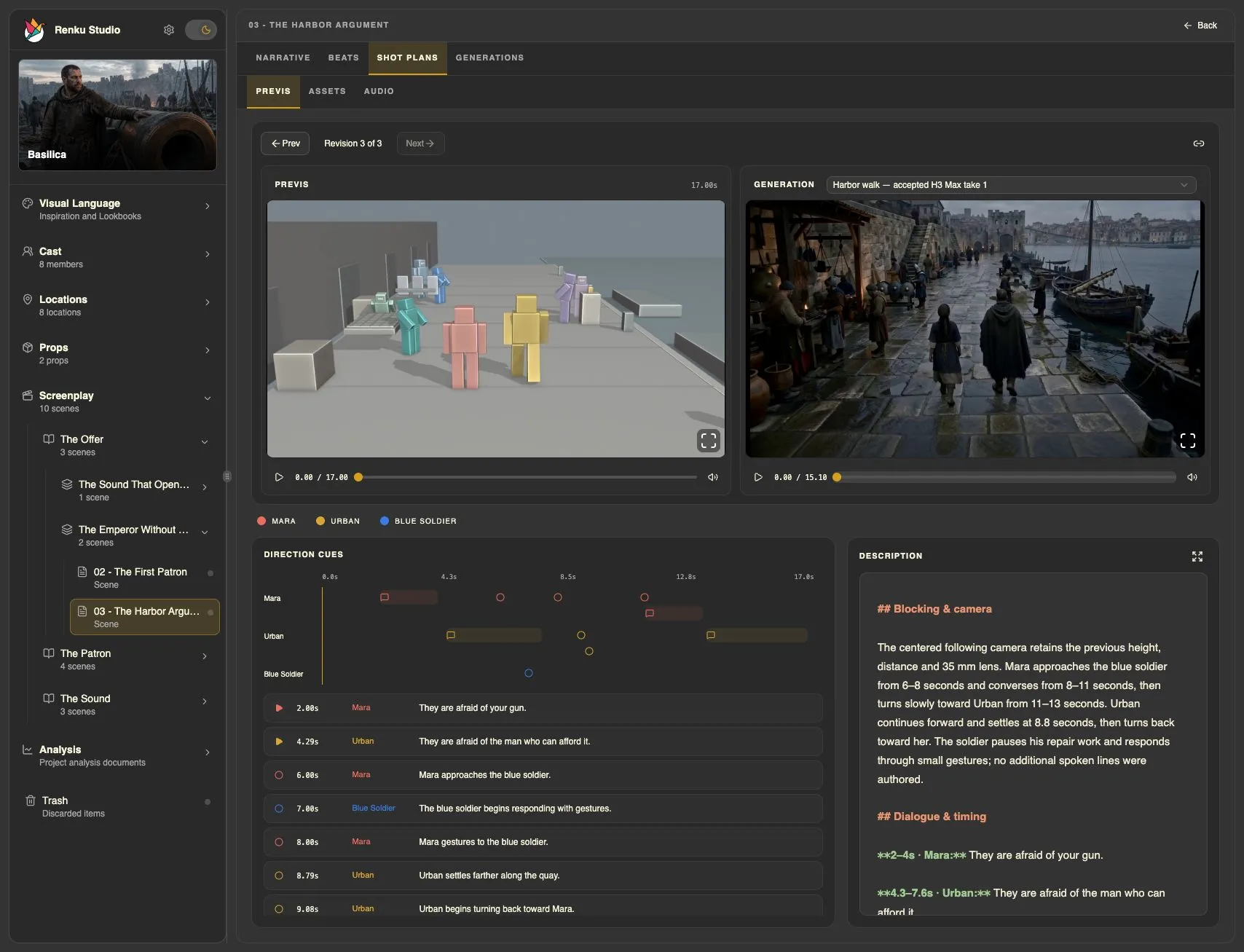
Ask your agent. Review in Studio. Keep directing.
Renku is built around a conversation with your AI agent. Ask for what you want to make, change, or understand; the agent uses Renku’s skills and project tools to carry out the work. Studio shows you the screenplay, references, plans, and media so you can judge the result and tell the agent what to do next. If you get stuck, ask the agent how to proceed.
Each chapter names the skills involved so you know what they do; you do not need to include their names in your prompts. The examples are starting points. Add your own references, questions, or creative constraints. You can ask the agent to collect Inspiration images, or add your own through Studio.
The creative path
Build the film in layers.
New to Renku? Complete Quick Start first.
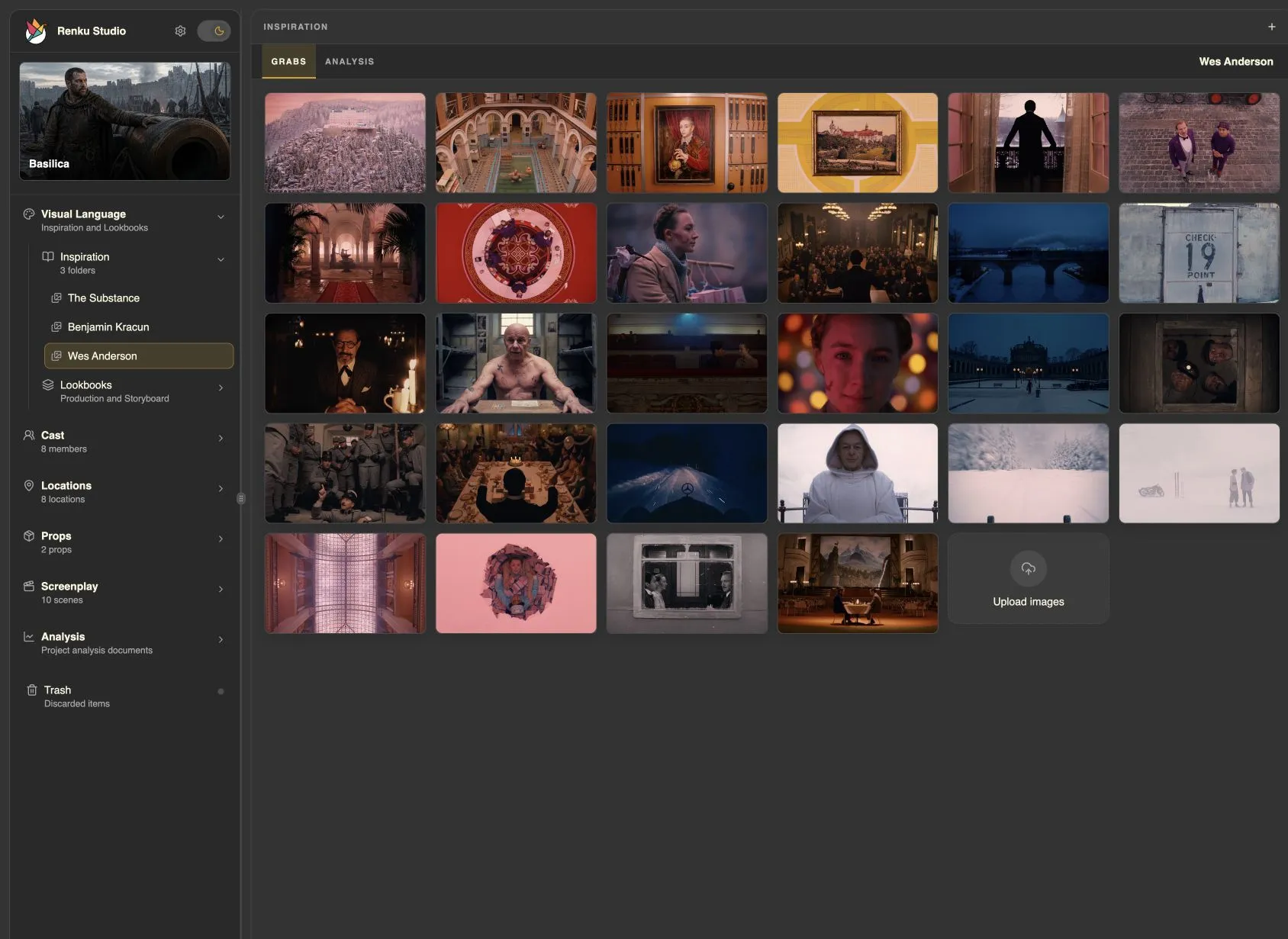
Find your visual language
Turn a collection of references into a clear cinematic direction.
Read chapter 1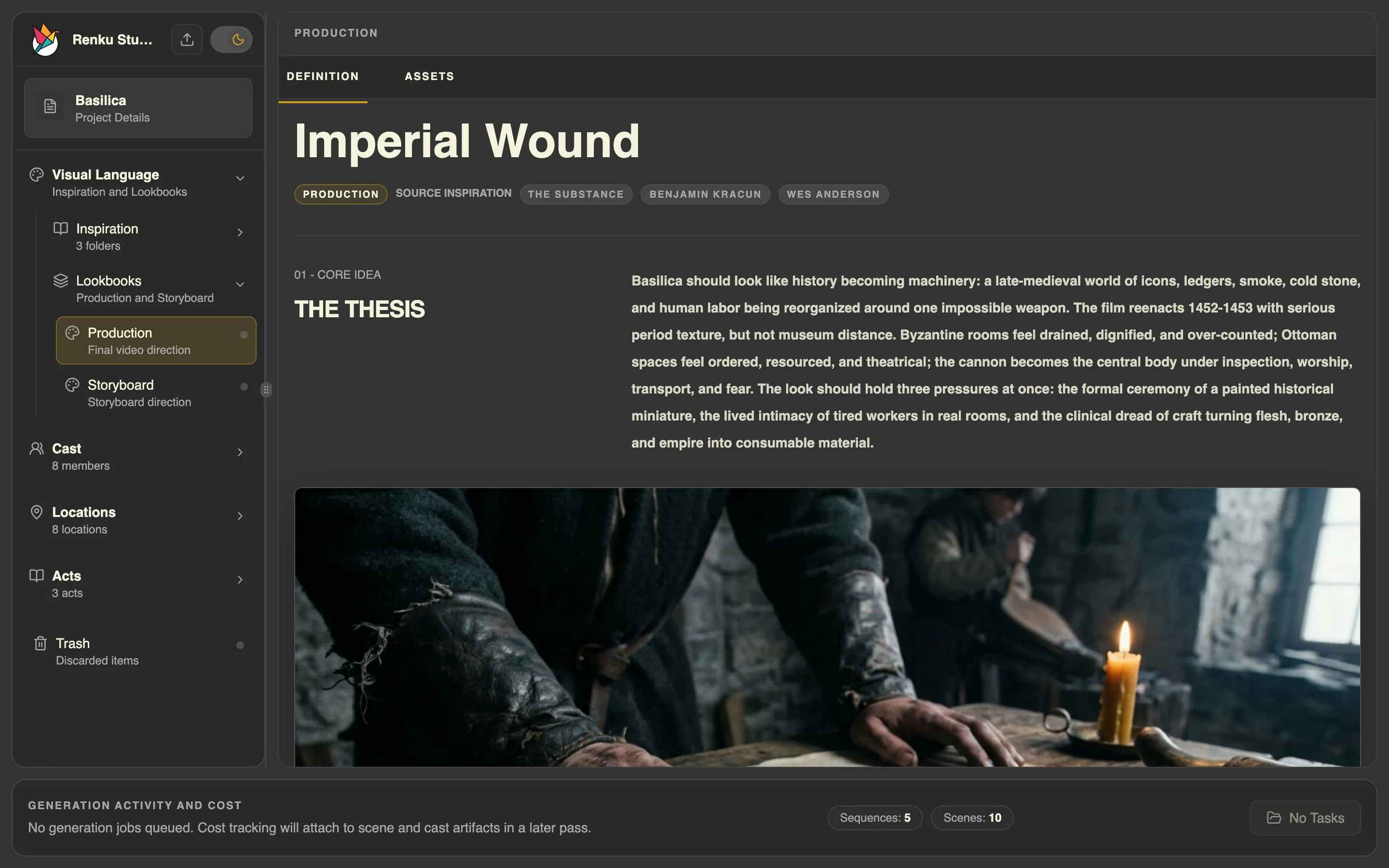
Give the film a visual compass
Author Production and Storyboard Lookbooks with distinct jobs.
Read chapter 2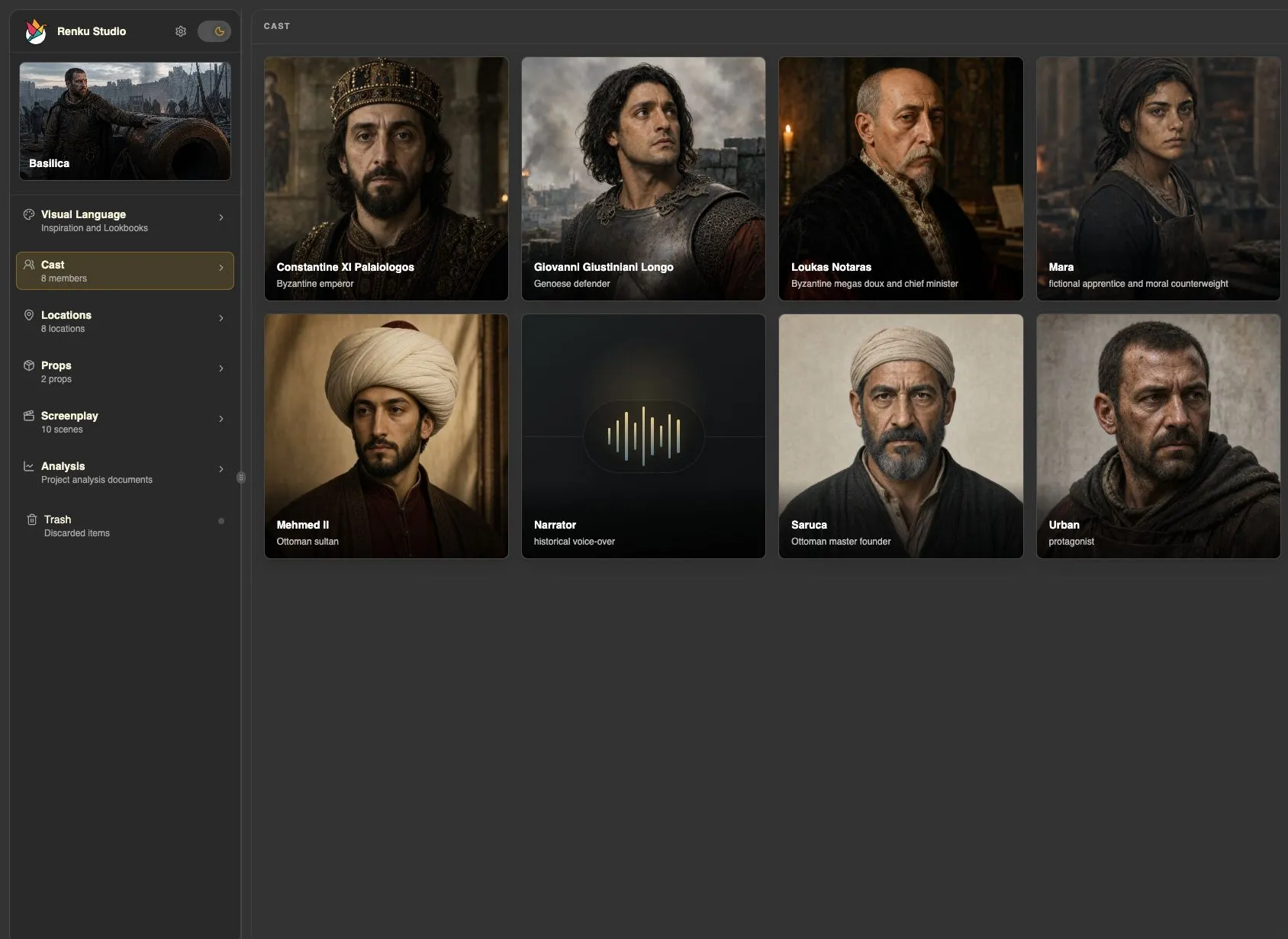
Meet the people. Build the world.
Develop characters, their voices, Locations, and Props before planning coverage.
Read chapter 3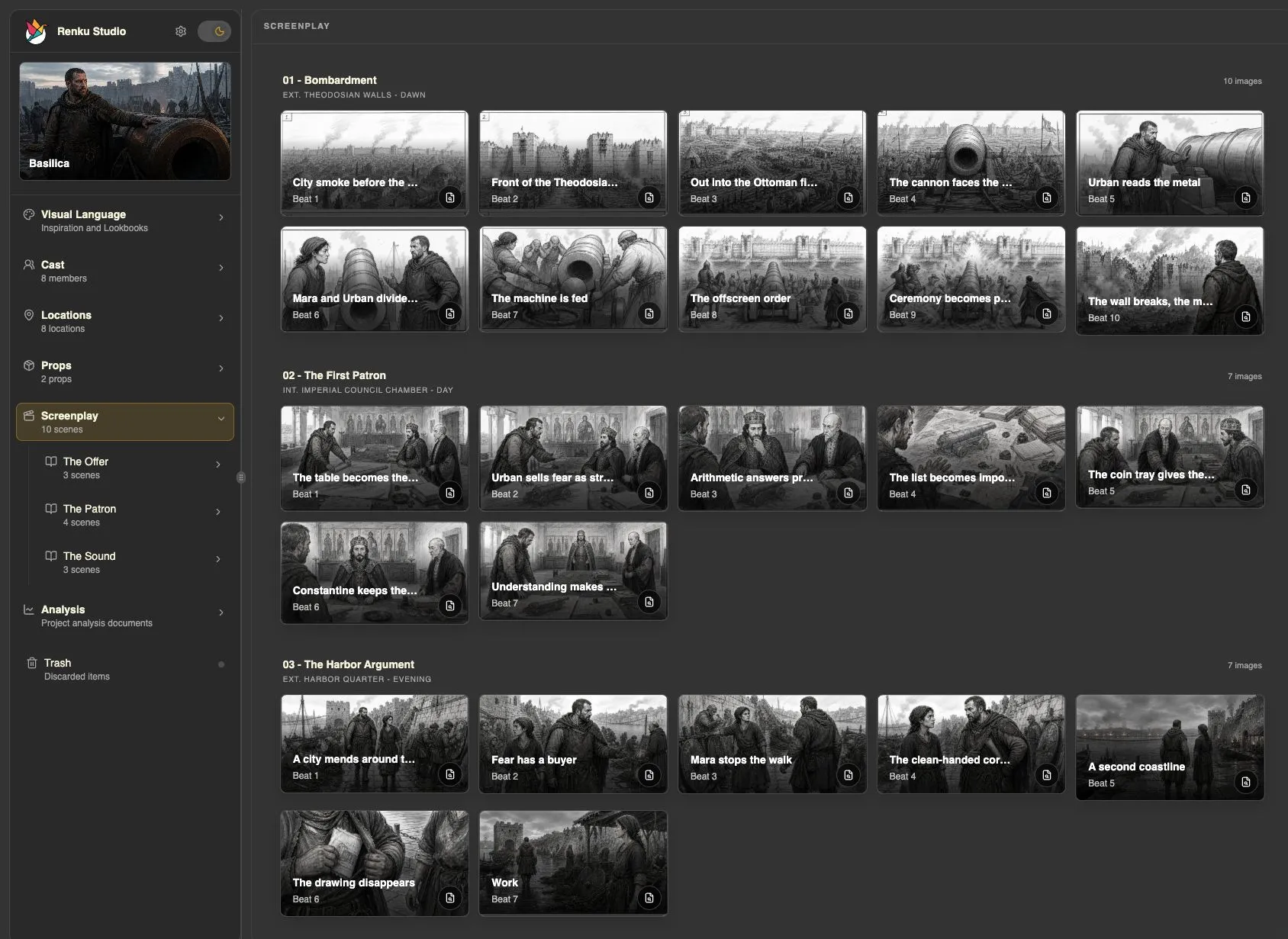
Find the turns inside the scene
Break the scene into meaningful changes in action and emotion.
Read chapter 4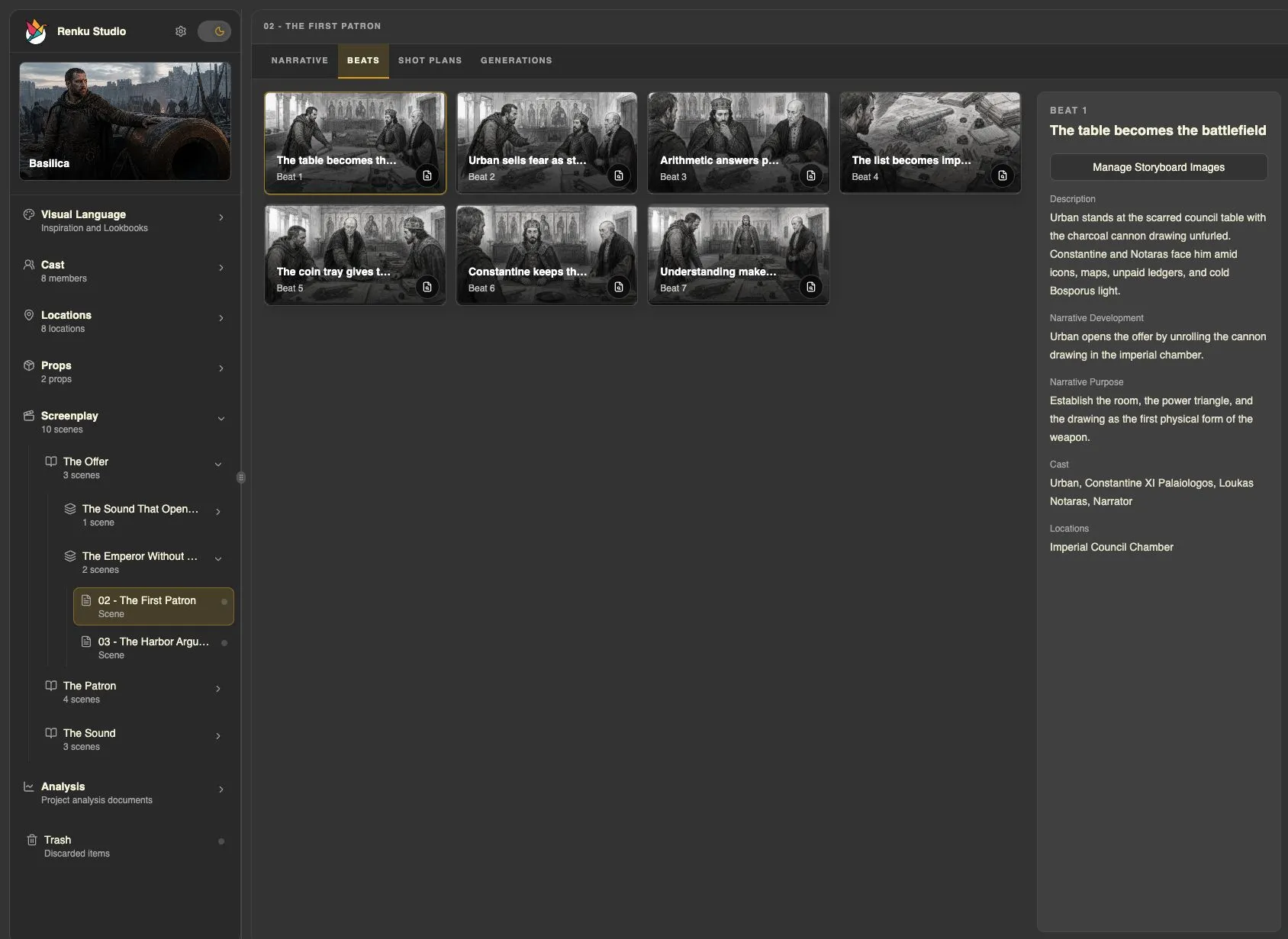
See the scene before you shoot it
Turn reviewed Beats into images you can discuss and refine.
Read chapter 5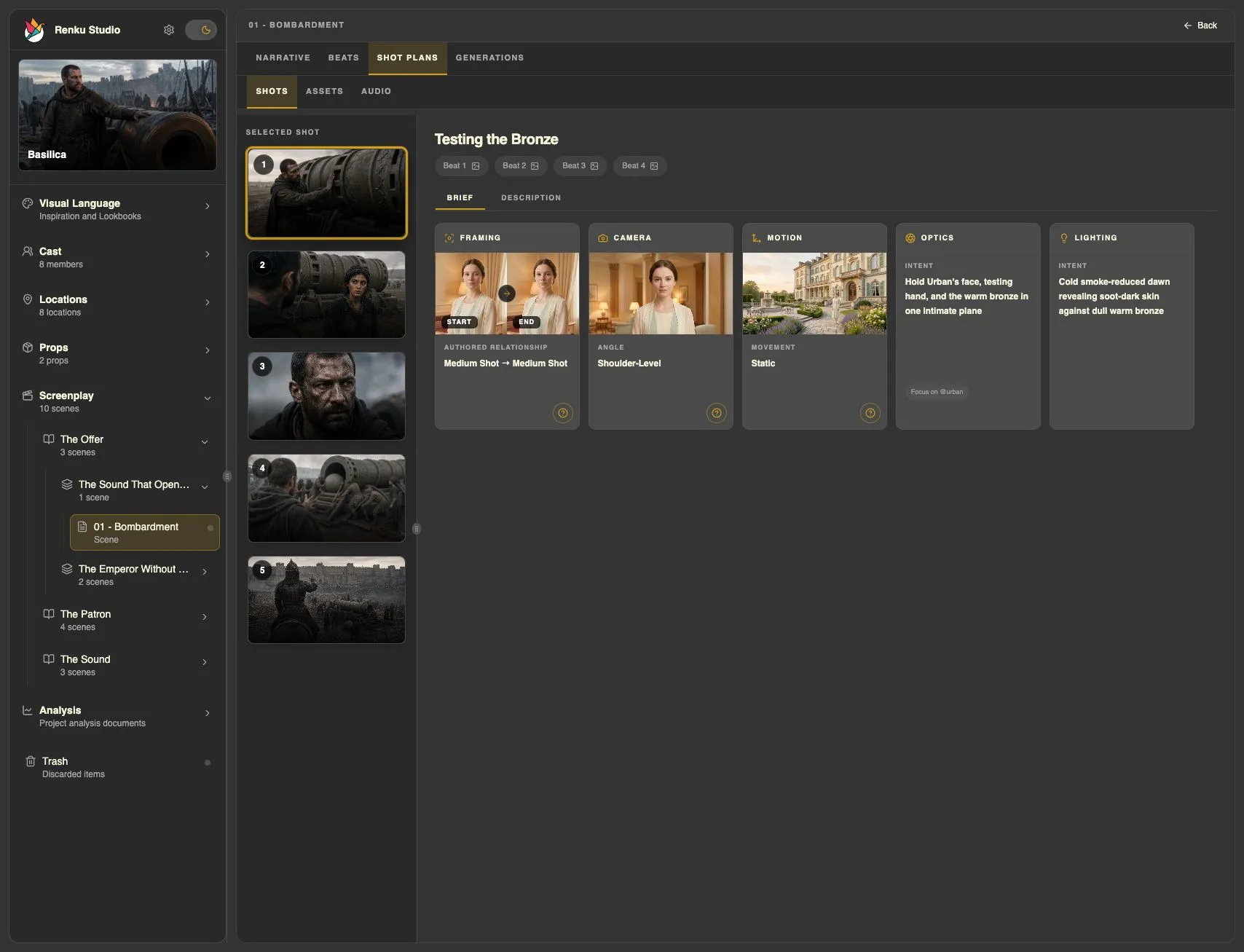
Design the coverage
Translate story intentions into a practical, shot-by-shot plan.
Read chapter 6Direct in space and time
Block characters, cameras, and action in a moving 3D rehearsal.
Read chapter 7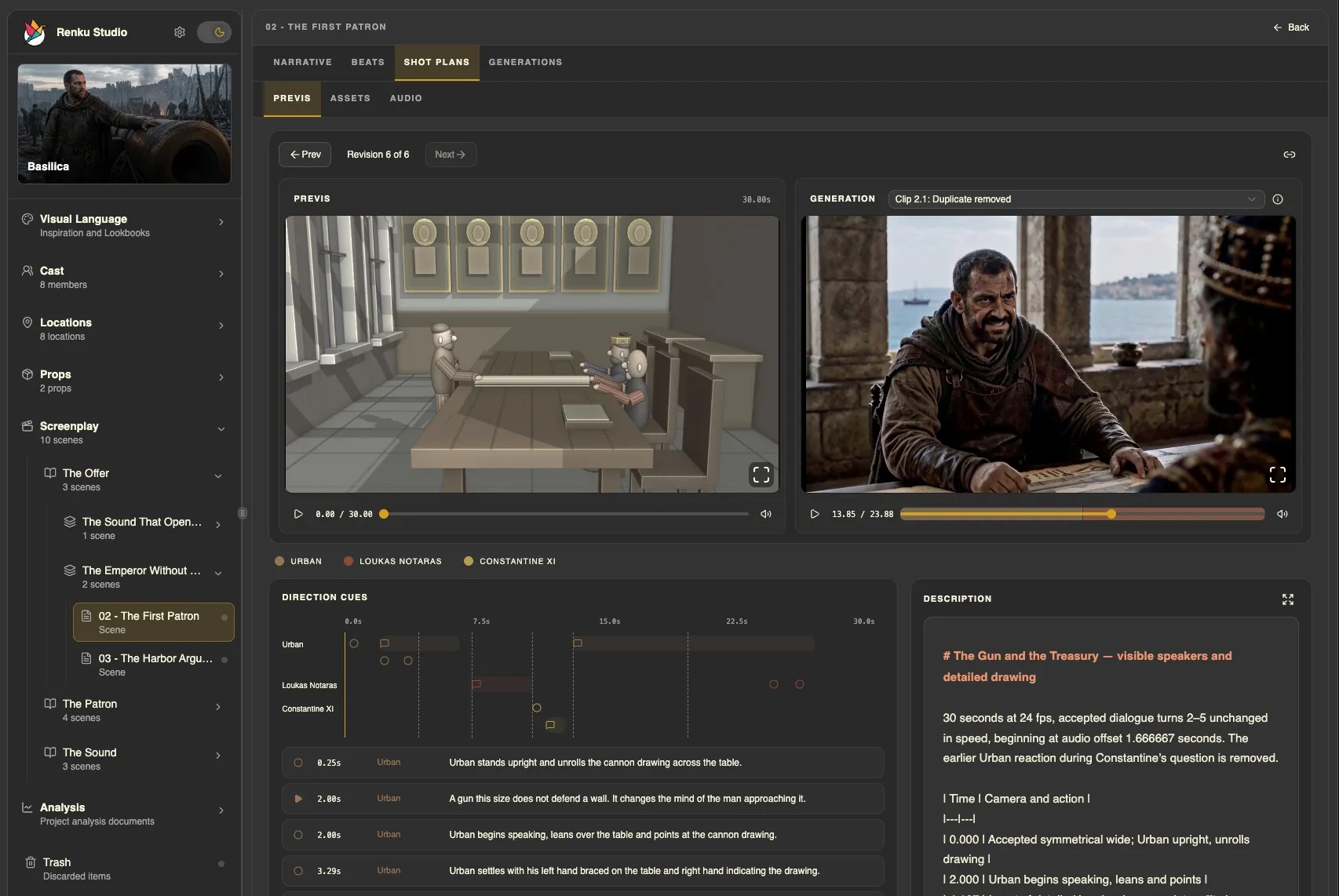
Turn the plan into a take
Cast the dialogue, choose your models, review the request, and direct a video take.
Read chapter 8Recipes
Recipes: one technique, start to finish.
Each recipe works through one technique on a real scene from the Basilica sample film.
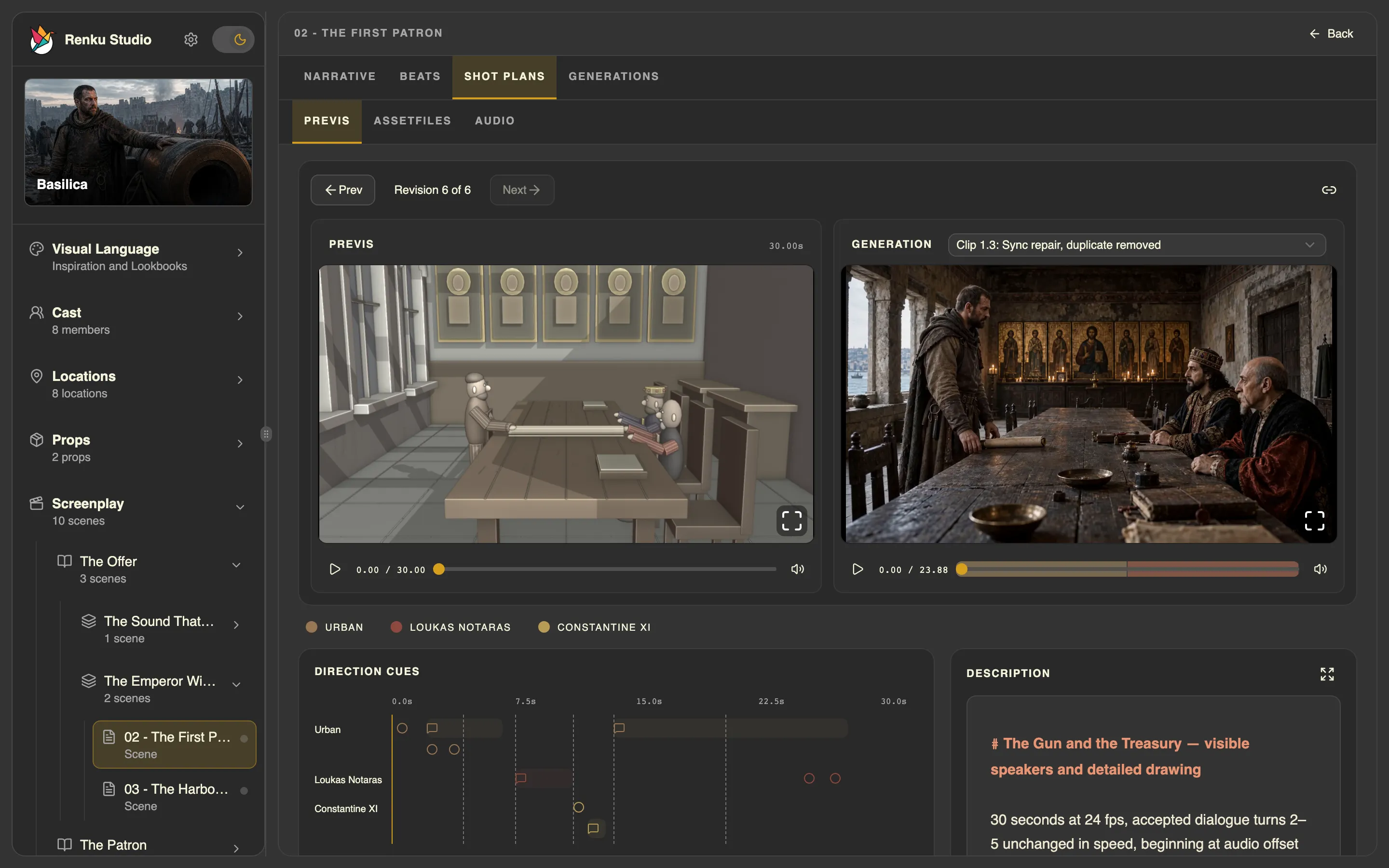
Optional · When you need it
Practical guides.
Go deeper into casting and Character Arcs with Big Fish, explore the sample film, add a model, or find help removing Renku.
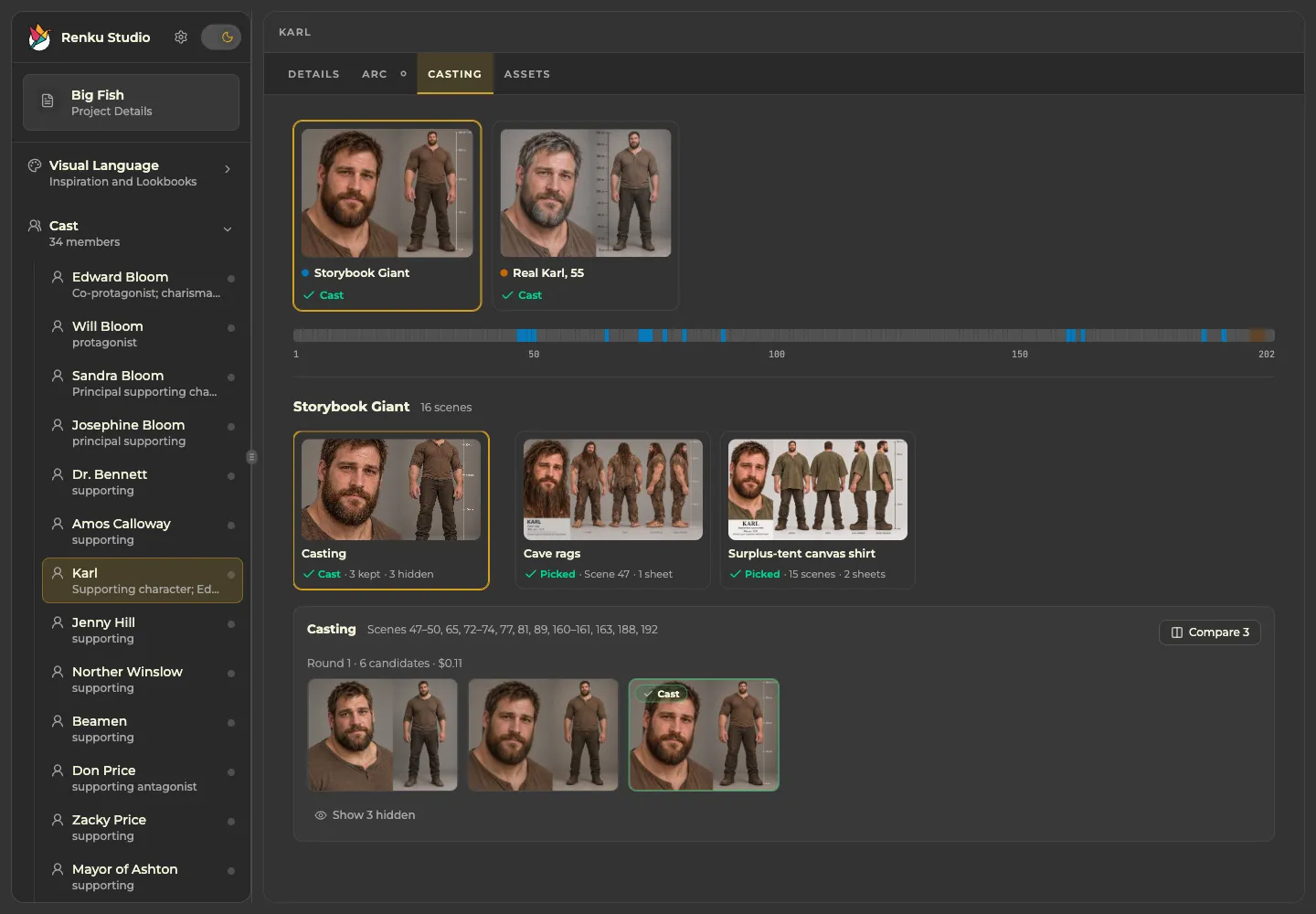
Cast the person. Explore the possibilities.
Audition candidates, keep one character across different Looks, and pick character sheets for each costume. Follow Karl from Big Fish, or take the quick agent-led path.
Read optional guide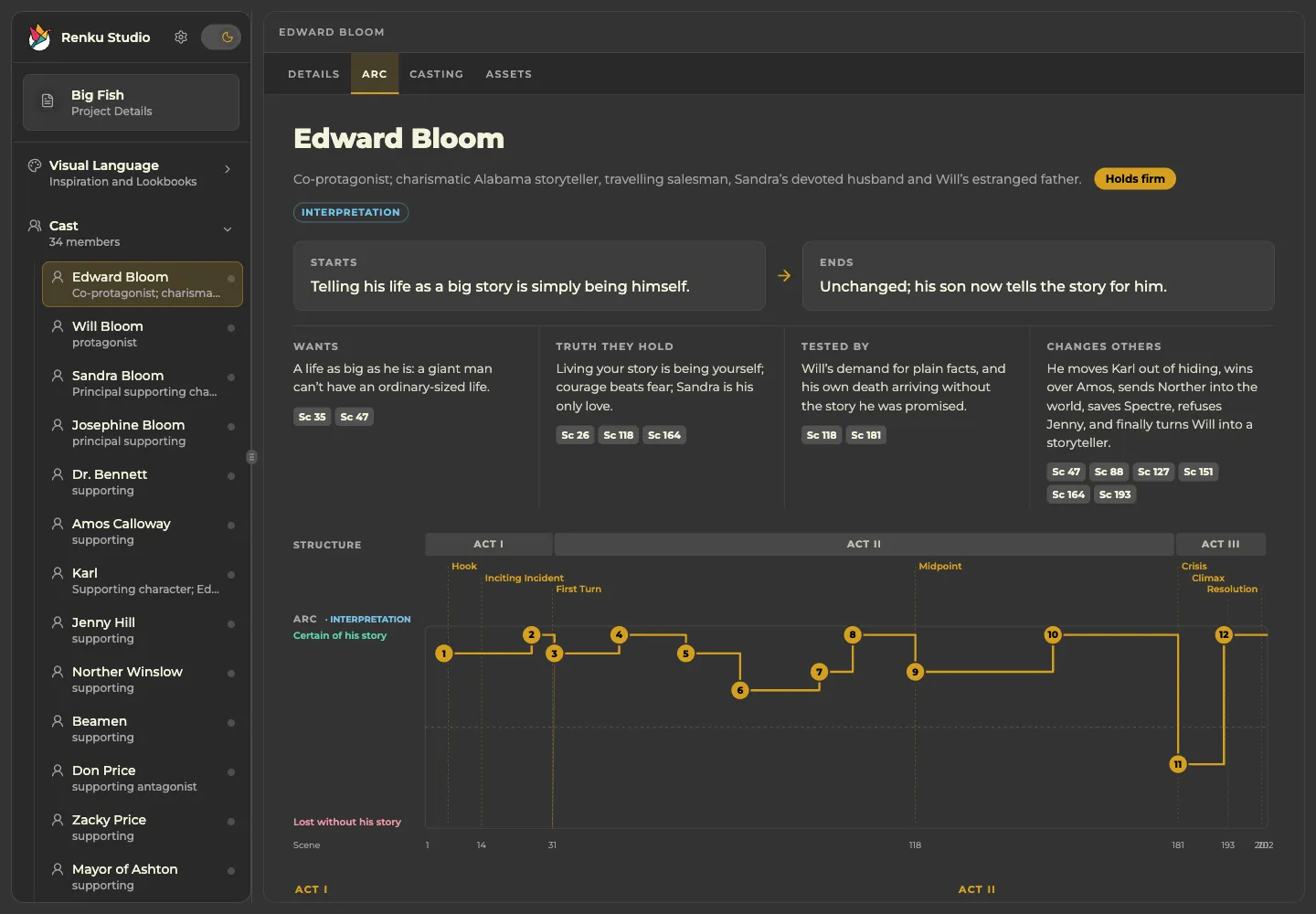
Follow the person through the story.
Read and refine Character Arcs as part of screenplay analysis, using Edward Bloom from Big Fish.
Read optional guideExplore the sample project
Clone a ready-made Renku film into your Project Library and open it in Studio.
Read optional guide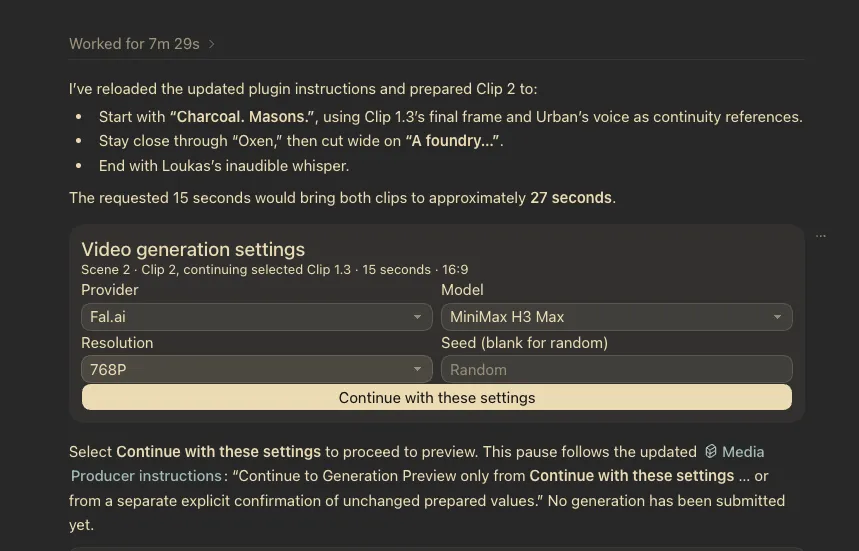
Add a model of your own
Bring a model from your preferred provider into your personal library when you need another choice.
Read optional guideUninstall Renku
Remove Renku from macOS or Windows while keeping your films and, if you choose, your settings.
Read optional guide